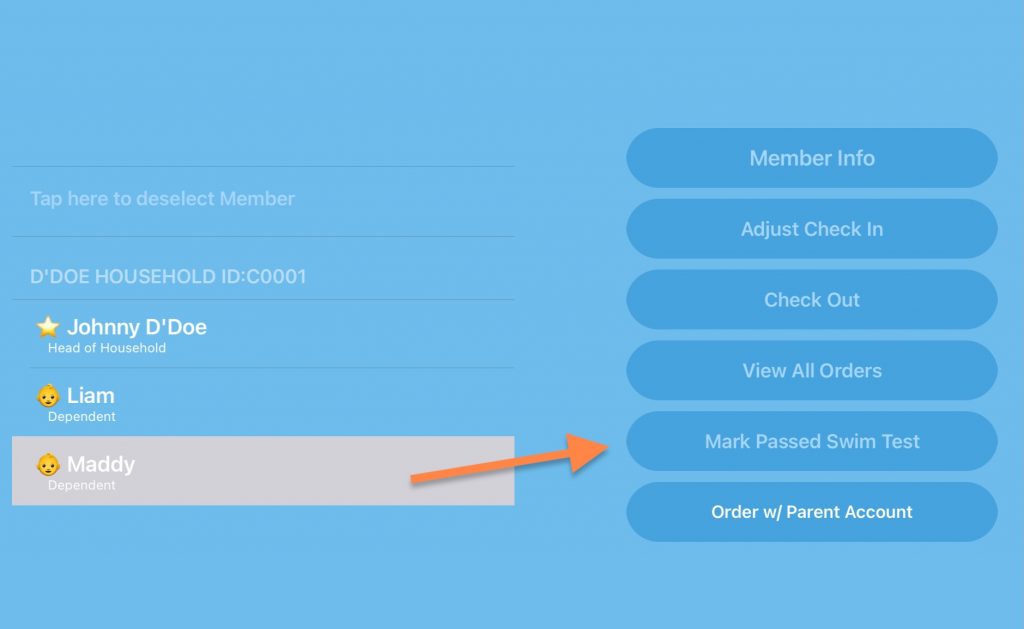
After a child has been checked in, their name will be listed with their other family members on the main screen of the Front Desk App. Tap the child’s name and a button will appear titled “Mark Passed Swim Test”. To remove a passed test, a button will appear to revoke someone already passed.
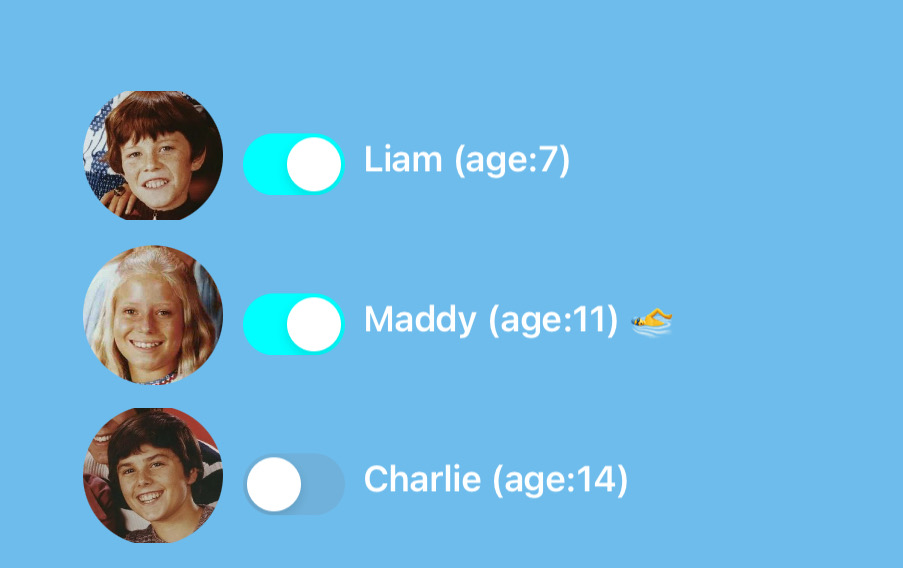
After making a child as passing a swim test a swimmer icon will appear next to their age when checking in. Note in the screenshot Maddy has the icon next to her age.
Although the iPad labels this function as passing a swim test, for your club this could be used to note that the child is simply allowed to come to the pool solo.
Swim tests can also be marked back on the website in the member’s profile after searching for them and viewing their dependents.
