Download it for your iPad from here.
So what’s new?
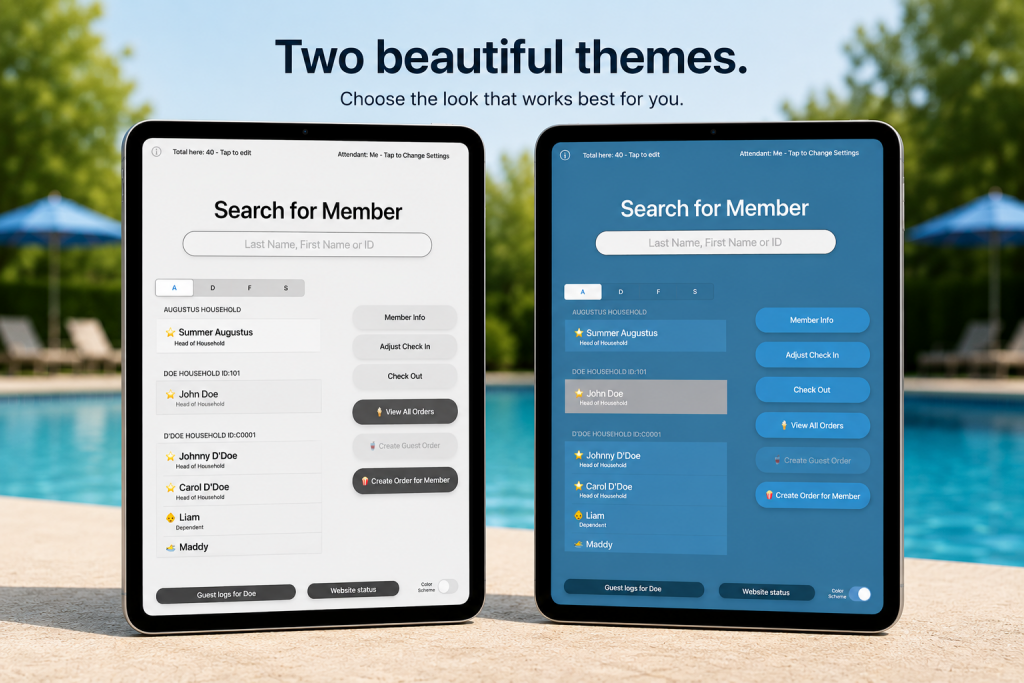
The most obvious change, as you can see above, are the two color themes. Staff can quickly toggle between white and blue depending on their mood.
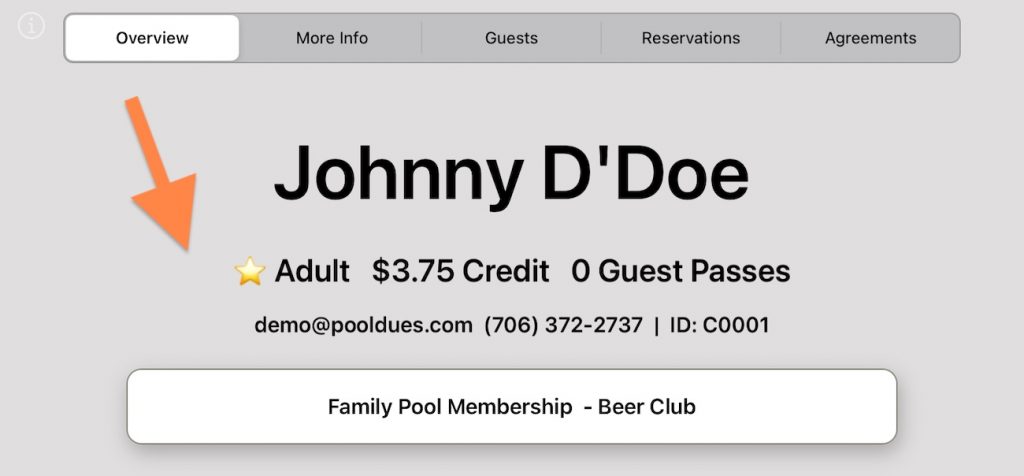
After a member has been selected, you will notice the overview screen has some tabs at the top (where the arrow is pointing from below)…
Much of the content in these tabs will be customizable from the Front Desk settings page of your Board Member Dashboard (the “Guests” and “Reservations” tabs will always be populated by the member’s own guests or reservations that day). So what’s there now isn’t set in stone.
The Overview tab (default screen) shows the membership product the household purchased, but can now show text based on whether or not other products have been purchased. This can help give the staff a quick bit of information, if for example, the household purchased a product which lets them swim after-hours or be part of a Beer/Tap club.
The More Info tab is currently showing recent orders (again useful if staff need to verify a purchase) but the roadmap ahead for this tab will be more of a choose-your-own-adventure of whatever our clients need to know more of.
The Agreements tab will be the most exciting for our clients looking to make sure a household has – you guessed it- agreed to something. For now it just shows their membership product agree to terms, but in the not-so-distant future (likely before June 5, 2026), we will launch an entire new Agreements module to feed data into here. For example, if you swim club wants a separate agreement to let member children attend the pool solo, that’s coming soon!
